About

I’m Byron Zepeda, a Senior Systems Engineer in Orange County, California. My day job is VMware vSphere, Citrix Virtual Apps, backups, and storage. As cloud technologies and automation become first-class citizens in IT organizations, I want to share everything I learn and pass it on to others.
Why this site exists
Virtualization 24/7 started while I was preparing for my VMware certification, which turned into a very long journey. Beyond the required VMware classes, I took a few more to fill in the gaps, and still no single source gave me everything I needed to set up a lab and really understand the technology.
So this site isn’t meant to be a comprehensive course. It’s meant to get you from point A to point G: enough to get something working, with links to the software you need and pointers for where to go next.
What you’ll find here
- VMware vSphere: ESXi and vCenter installs, upgrades, and the troubleshooting that comes with them.
- PowerCLI & PowerShell: scripts I actually use, explained line by line.
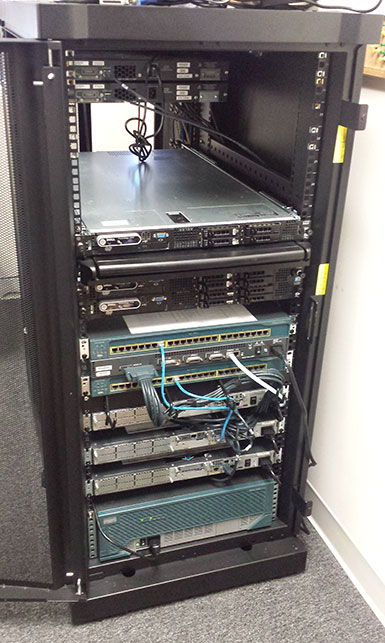
- Homelab: building and running a lab at home, including Proxmox VE, which I run in my own lab.
- Windows Server & IT Ops: managing Windows at scale, from file services to printers and RMM scripting.
- Career: certifications, starting a new job, and where the industry is going.
My background
I’ve worked as a computer salesperson, a technician and helpdesk specialist, and an IT system administrator, and for several years I owned a computer repair company in Southern California. One of the services I offered was teaching people to use their computers, from the basics all the way to power-user skills. Teaching is still the part I enjoy most, and this site is where I do it now.
Along the way I earned my VMware Certified Professional (VCP-DCV) certification and spent years as a VMware administrator in an environment of more than a thousand servers running Windows and Linux.
Get in touch
Questions, corrections, or an idea for a guide? Email info@virtualization247.com. The code for the scripts in these articles is on GitHub.